

EduArt is a robotics company focused on building research and development robots – the kind that make engineers and students equally excited. I’ve been working here for several years, taking care of everything that shapes how EduArt looks to the outside world. Basically: if it's visual, public or needs to “feel EduArt,” it lands on my desk.


The EduArt website is still evolving – we've had a few versions before, including a WordPress one, but that quickly hit its limits. Now the site is built in HTML, CSS and JavaScript using
11ty
, which finally lets us do things the way we actually want.
Highlights? A cookie banner featuring a tiny robot you can control with arrow keys or on-screen buttons (yes, purely for fun).
For analytics, we use the GDPR-friendly
Matomo
.
And almost every image and video you see – shot, edited or animated by me.
The product page for our robot “Eduard” comes with a detailed data table and an interactive 3D model. Click a red dot and the robot snaps its components into place with a smooth animation – because static product pages are boring. I built or optimized the 3D assets in Fusion 360, cleaned and animated them in Blender, exported them as GLB and used model-viewer to add callouts and custom camera angles. Result: a robot you can explore without needing a robotics degree.
“Kinematics Kit Kim” is one of EduArt’s most unique products: a modular electronics stack that can be assembled in countless ways to build almost any type of robot–from educational robots for RoboCup Junior to complex industrial systems.
The page again features a 3D model with callouts, a structured data table and several interactive and animated 3D models demonstrating the modularity of the system.
Scrolling further reveals animations showing how the entire stack can be assembled and disassembled and how every pcb looks from different angles.
A completely new and still evolving project is the EduArt documentation platform. It is not yet linked from the main EduArt site. Built with Docusaurus , I customized the layout so the EduArt navigation bar stays visible at all times. Nearly all graphics, screenshots and much of the documentation content were created by me. As a media engineer, my job is to produce tutorials that are understandable – even for beginners. That only works if you’re able to step out of the expert bubble and explain things from scratch, which is exactly what I do here.
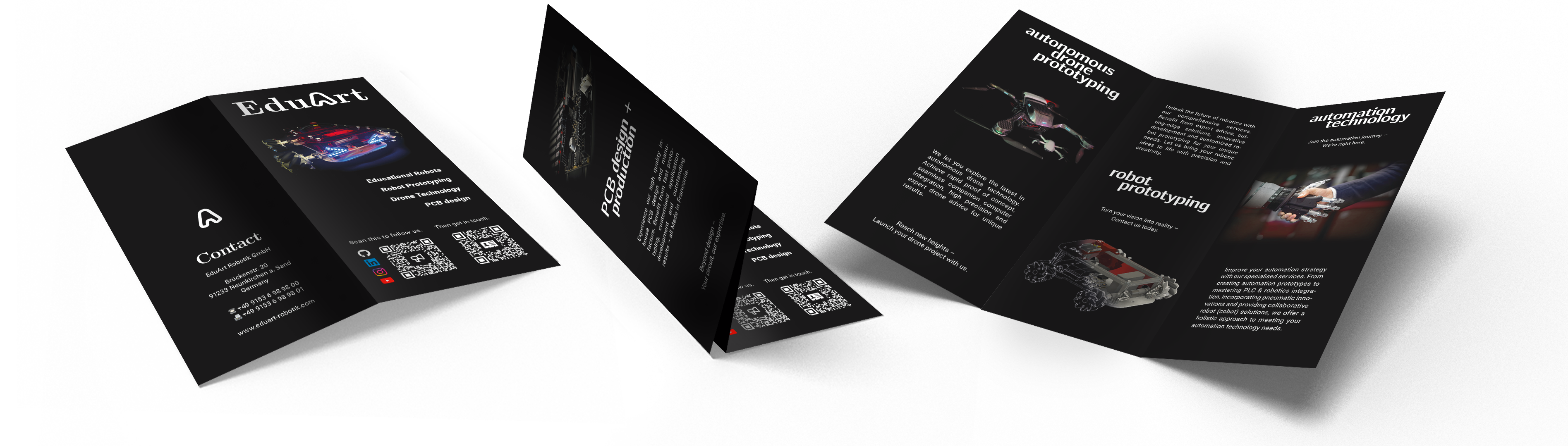
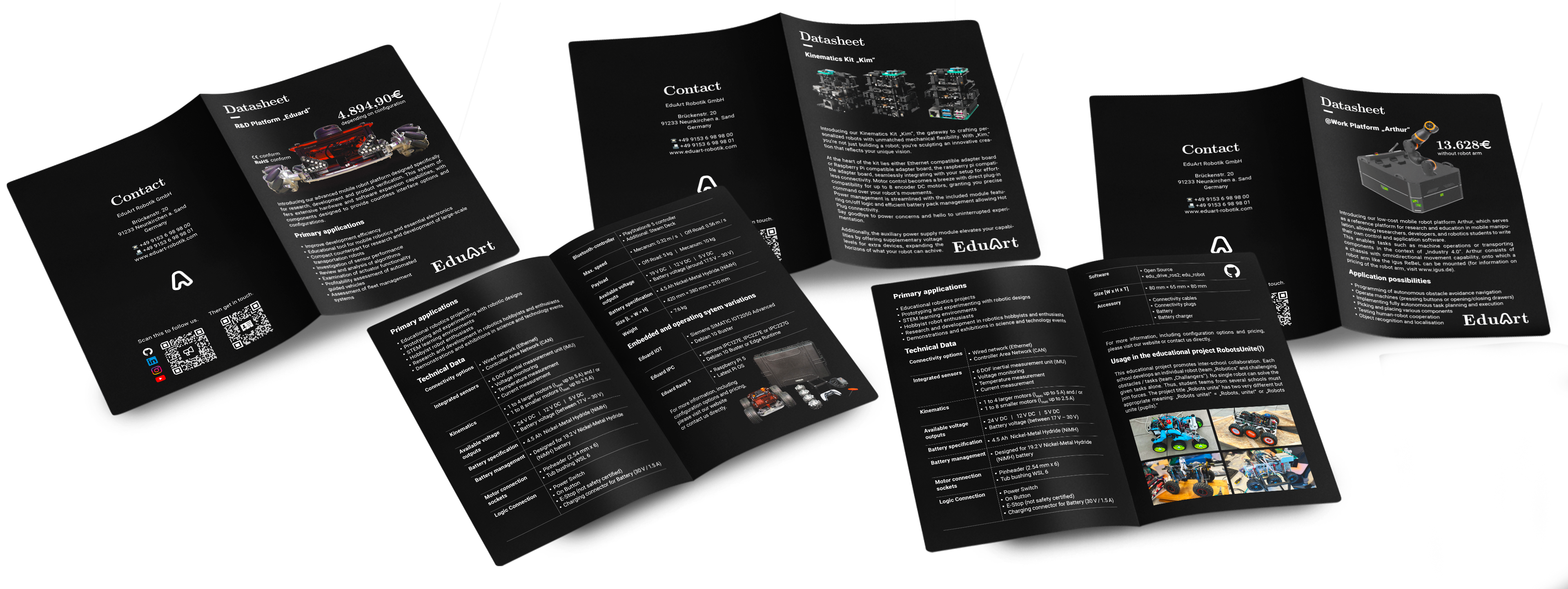
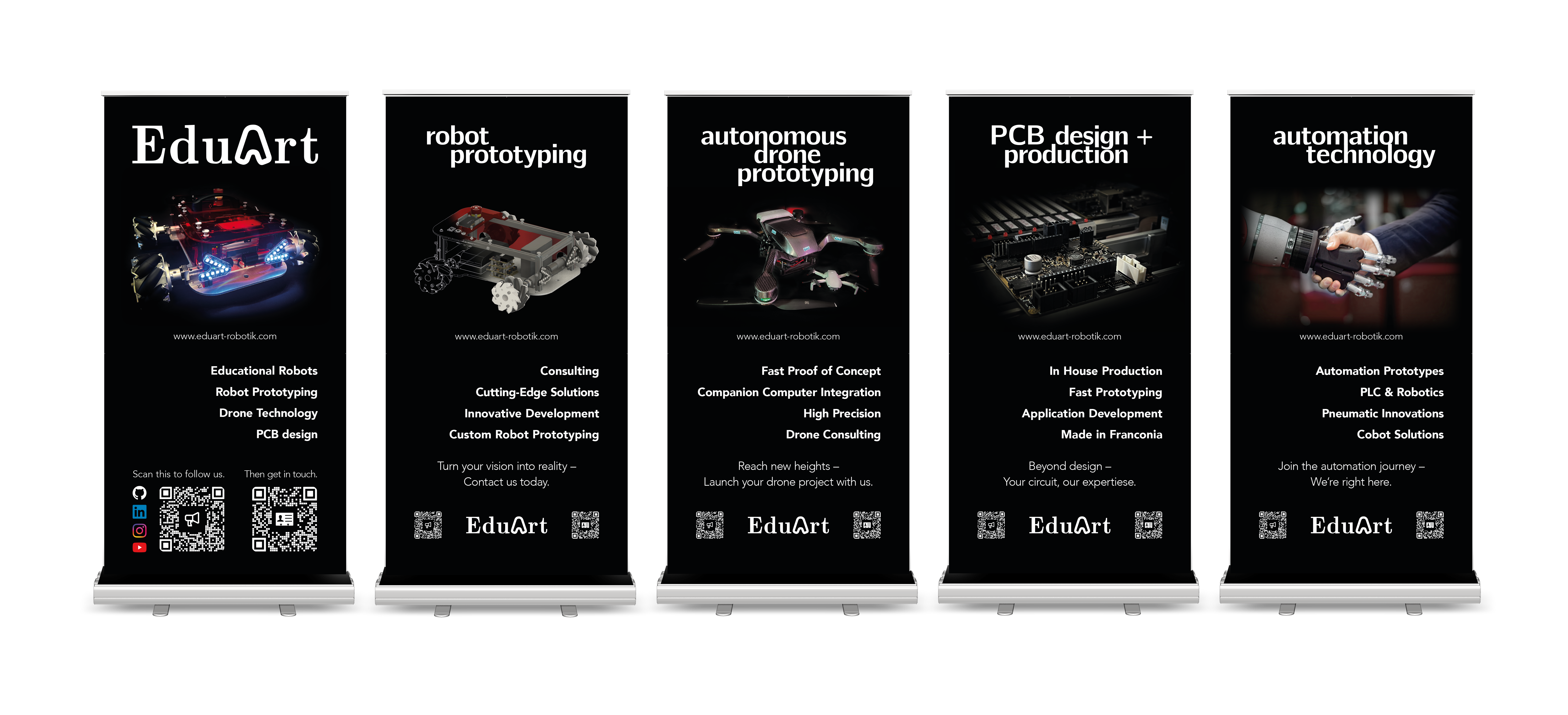
A big part of my EduArt work is motion: logo reveals, product videos, 3D robot animations, trade fair teasers and screen content for exhibition booths. Some pieces explain products, some create atmosphere, and some simply make the robots feel more alive before anyone has even touched them.
This is still only a small selection: the EduArt logo animation, 3D animations of Eduard and other robot configurations, visuals for the Neuron Automation booth, trade fair content for Hannover Messe and Faulhaber-related presentations, plus many smaller animations for social media, product pages and presentations.
And there’s so much more: stickers, image editing, robot illustrations, social media posts and countless small design tasks.
If you want to see more, explore the full website, get in touch with me, or visit EduArt at the next trade fair.